
MASTER IN PHOTOSHOP TRAINING ( Online Or Offline)
INR 10300
INR 7300
Description :
Prism Media is Providing Live classes for the first time in Odisha. Anybody who will attend this class can learn at home or anywhere through Mobile, Laptop, desktop, tab etc.
Photoshop is Adobe’s photo editing, image creation and graphic design software. The software provides many image editing features for raster (pixel-based) images as well as vector graphics. Photoshop is used by photographers, graphic designers, video game artists, and advertising firms.
PHOTOSHOP LIVE CLASS SYLLABUS
DURATION: 16 Hrs
CLASS 1
Interface and Introduction to photoshop Panels and Workspaces in Photoshop Image Size Dimensions and Resolution Layers Marquee Tools Transform Assignment-Simple Logos and Shapes (Add, Substract & Intersect)
CLASS 2
Selection Tools (Lasso, Polygon Lasso, Magnetic Lasso, Quick selection, Magic wand Tool) Feather Refine Edge Assignment – Separating an Image from a Background and Composition
CLASS 3
Hair cutting Perfectly Using Channels, Refine Edge
CLASS 4
Crop Tool, Eyedropper Tool Retouching Tools (Spot Healing Brush Tool, Healing Brush Tool, Patch Tool, Content aware Tool, Red Eye Tool, clone stamp Tool, Pattern Stamp Tool) Assignment- Converting Damaged Images to clean one
CLASS 5
Brushes ( Brush Tool, Pencil tool, Color Replacement Tool, Mixer Brush Tool, History Brush Tool, Art History Brush Tool, Eraser Tool, Background Eraser Tool, Magic eraser Tool) Assignment – Wedding Album Design
CLASS 6
Gradient (Types of Gradient, Paint Bucket Tool, Blur tool, Sharpen Tool, Dodge Tool, Burn Tool, Sponge tool, Smudge tool) Assignment – Birthday Card Design using brushes and Gradient
CLASS 7
Pen Tool (Types of pen tool,Shape tool, Direct selection Tool, Path Selection Tool) Assignment- Logo design, Leaflet Design, Image cutting using Pen tool
CLASS 8
Text Tool & Layer style (Types of text tool, Typography,Character Palette, Paragraph Palette) Assignment-Magazine cover Design
CLASS 9
Layer style & Layer Blending Modes Assignment-Creating Titles or Text effects
CLASS 10
Masking Concepts
(Layer Mask, Clipping Mask, Vector Mask & Quick Mask)
Assignment -Poster Design, Collage design
CLASS 11
Color Correction
(New Adjustment & Fill Layers)
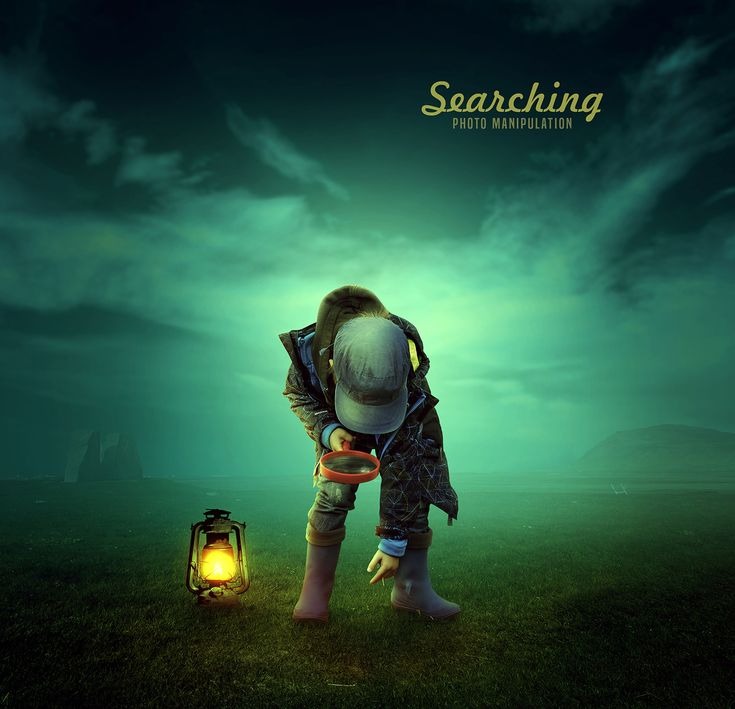
Assignment-Image Manipulation
CLASS 12
Image- Adjustments
Assignment-(color correction of an Image)
CLASS 13
Filter
Liquify, Vanishing point
Assignment-Creating Caricatures, Correcting Perspective Images using Vanishing Point
CLASS 14
Overview of Filter Effects
Assignment-Text effects & Image Effects
CLASS 15
Assignment-Passport size Photo, Facebook Cover Page Designs, Facebook Post size, Mobile Designs etc.
File Save in different formats save for web
Keywords :
Filter tags :