Loading
Design · Online or Offline
16 Hrs (15 Live Classes)
Enrolling now — ask us for the next start date
Description
Our Photoshop training in Bhubaneswar runs as live, instructor-led classes — attend in-studio or online from home via mobile, laptop, desktop or tablet. This is not a pre-recorded video course: every session is taught live, so you can ask questions and get feedback on your own work as you go.
Photoshop is Adobe's photo editing, image creation and graphic design software, used by photographers, graphic designers, video game artists and advertising firms. This course takes you from the basic interface through to professional-level retouching and compositing, so you leave able to handle real client and studio work.
Prism Animation faculty, Graphics & Design
Studio-trained designers who also teach our Graphics Design and Photography courses, so the Photoshop skills here connect directly to real project work.
Live classes, small batches
Kept small so every student gets one-on-one feedback during live sessions, whether you're joining in-studio or online.
Retouching & restoration. You'll work with Spot Healing, Patch, Clone Stamp and Content-Aware Fill to remove blemishes, dust and unwanted objects from real photographs — the same tools used for professional portrait and product retouching.
Selections & masking. Lasso, Magic Wand, Quick Selection and Refine Edge, plus layer, clipping and vector masking, so you can cleanly separate subjects from backgrounds — including the hair-cutting technique using channels that's one of the harder skills in photo editing.
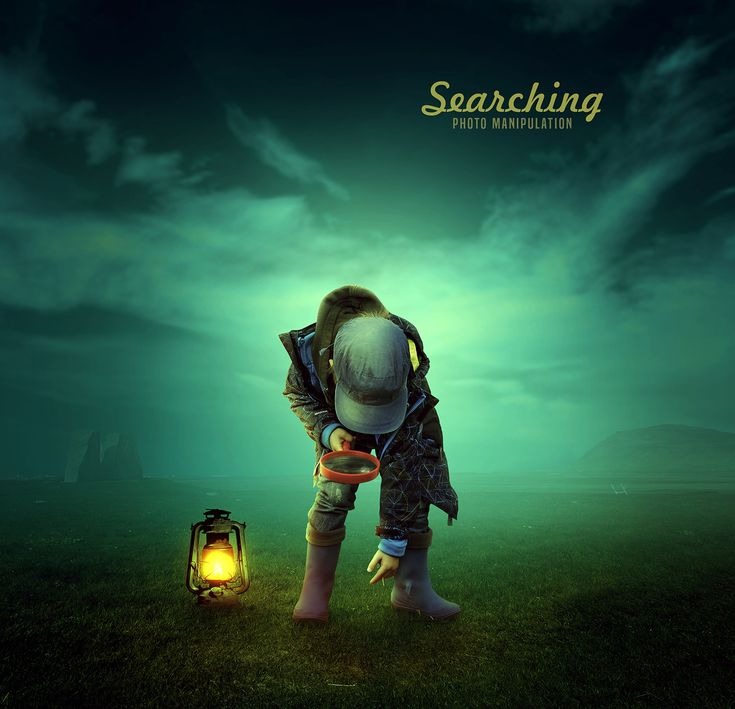
Compositing & manipulation. Combine multiple images, correct colour and tone, and use the Liquify and Vanishing Point filters for reshaping and perspective work — the foundation for both photo manipulation and caricature-style creative work.
Typography & layout. Text tool, layer styles and blending modes for designing posters, social posts and leaflets, using the Pen tool and shape tools for clean logo and vector work.
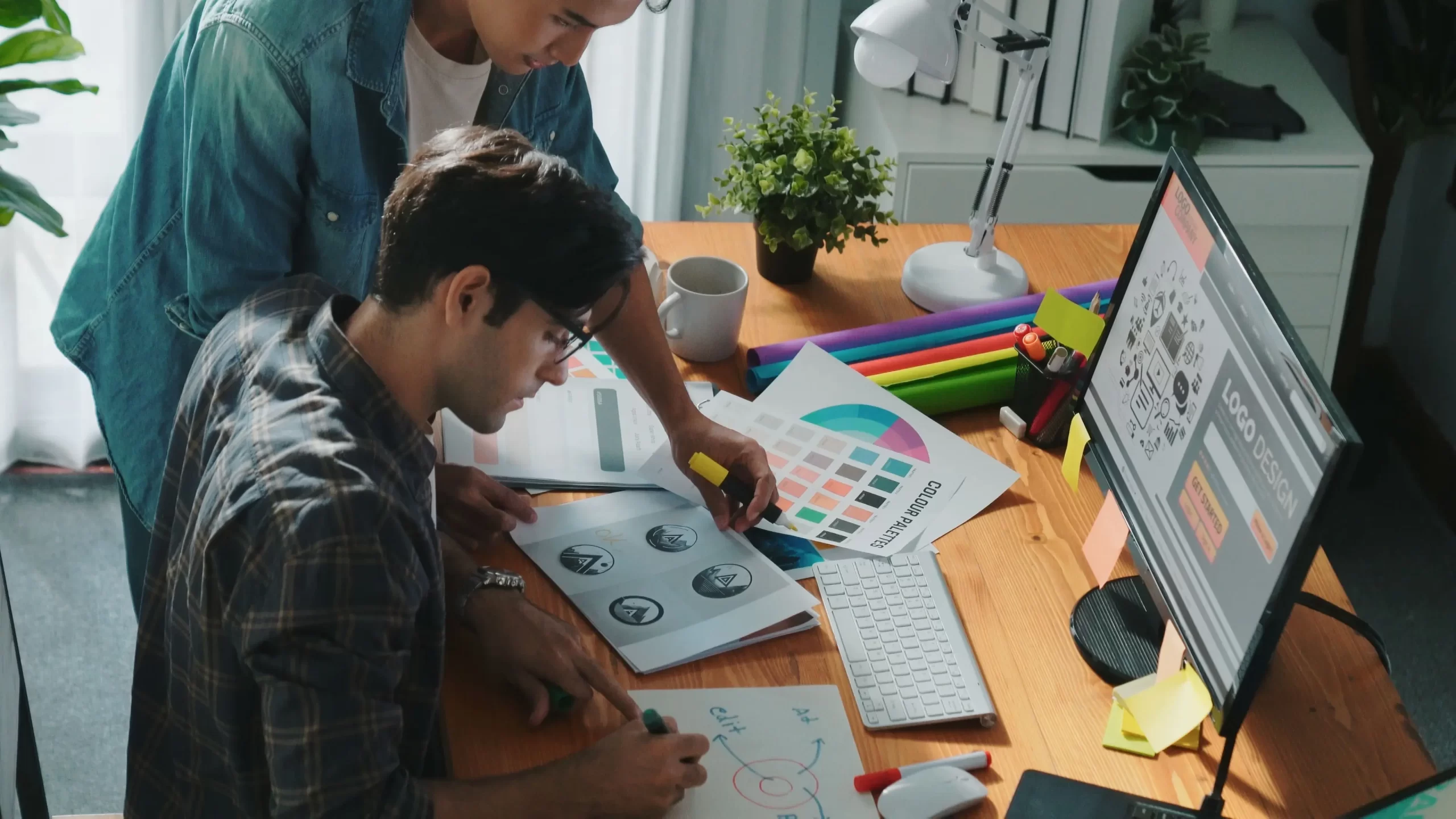
A few pieces from past Photoshop batches — retouching, compositing and poster design done in class.
FAQ
Both. The Master in Photoshop course runs as live classes that you can join in-studio in Bhubaneswar or online from home — the same instructor-led sessions either way.
No. The course starts from the Photoshop interface and basic tools before moving into retouching, masking and compositing, so it's built for complete beginners as well as anyone brushing up their skills.
Classes are taught on the current Adobe Photoshop CC release, and the tools and workflow covered carry over directly to any recent version you install at home.
Yes, students receive a course-completion certificate from Prism Animation College after finishing all 15 live classes.
Batches are kept small so each student gets hands-on attention during live sessions — contact us for the exact seat count of the next batch.
Full Syllabus & Enrollment
See the complete graphics & design curriculum, batch calendar and enrollment steps on our main site, Prism Media.
View Full Syllabus & Enroll on Prism MediaGet In Touch
Fill in your details and our team will get back to you with the full syllabus and next batch dates.